
10 viral chatgpt AI image prompts
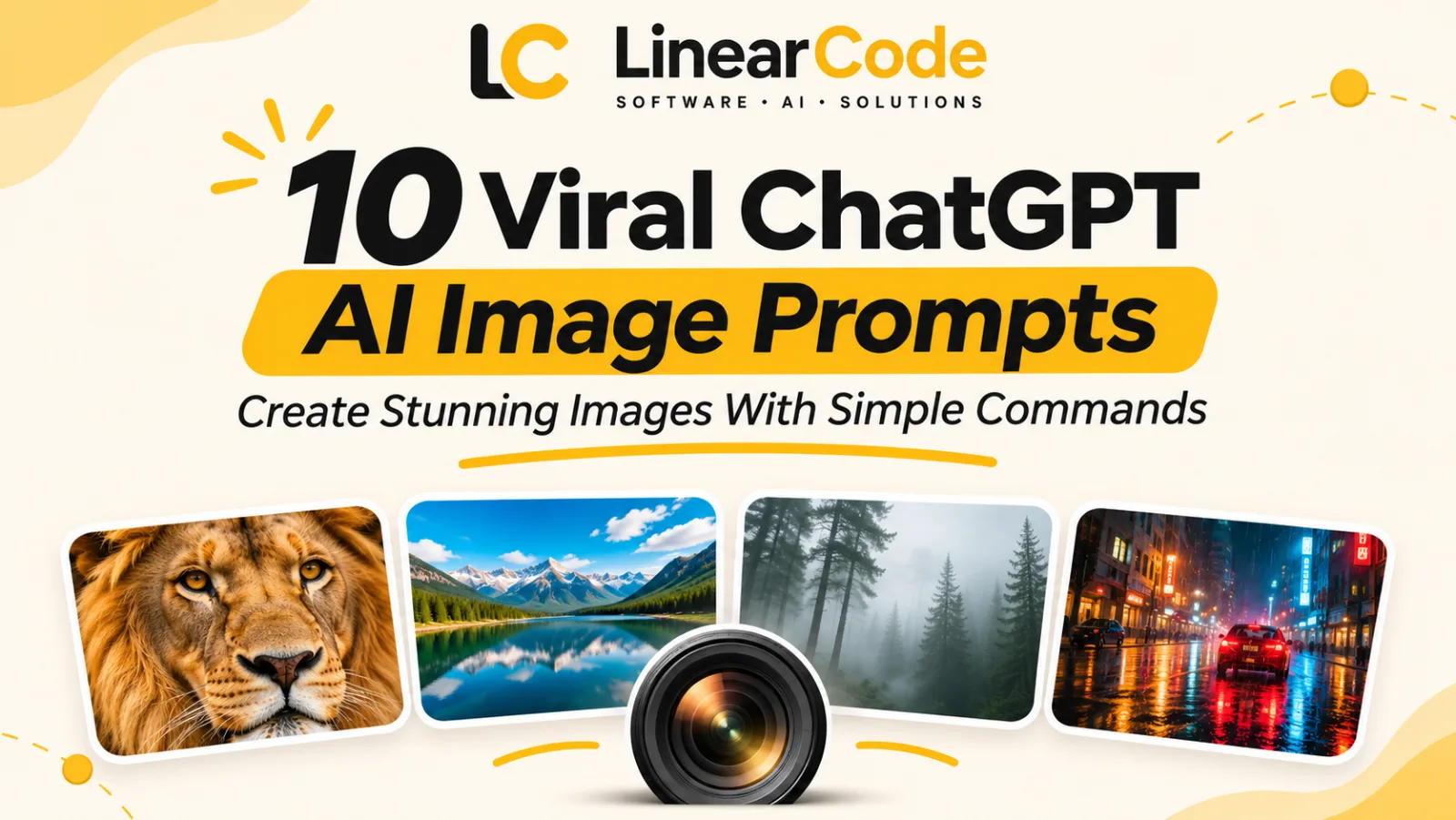
10 AI image prompt shortcuts to experiment with different camera angles, perspectives, and cinematic effects.
Want to create stunning AI-generated images? Explore 10 viral ChatGPT image prompt shortcuts for close-ups, fisheye effects, wide-angle landscapes, first-person views, foggy scenes, rainy nights, and more. Copy the prompts and experiment with your own creative ideas.
10 Viral ChatGPT AI Image Prompts: Create Stunning Images With Simple Commands
Have you ever seen an impressive AI-generated image and wondered how it was created?
From cinematic portraits and dramatic landscapes to unusual camera angles and atmospheric scenes, AI image generation makes it possible to create visuals that once required professional photography equipment and advanced editing skills.
The secret often starts with a well-written prompt.
A simple instruction such as "create a picture of a mountain" may produce an ordinary result. But adding details about camera angles, perspective, lighting, weather, and composition can make the image much more interesting.
In this guide, we'll explore 10 viral ChatGPT AI image prompt shortcuts inspired by popular photography and visual effects. Each shortcut comes with an explanation and a ready-to-copy prompt you can experiment with.
Whether you're creating social media posts, digital artwork, wallpapers, creative projects, or visual content for your website, these prompts can help you explore different image styles.
A quick clarification: Labels such as /closeup, /fisheye, and /fog are reusable prompt shortcuts, not official ChatGPT commands. They don't automatically activate special camera modes. Their purpose is to remind you to describe a particular photographic perspective or visual effect in your image-generation request.
1. /closeup – Create Detailed Close-Up Images
A close-up image focuses on a particular subject or a small part of it. It reduces distractions and makes important details more noticeable.
This technique is especially useful when you want to highlight facial expressions, flowers, food, animals, jewellery, or small objects.
For example, instead of generating an ordinary picture of a lion, you can request a close-up portrait that highlights its eyes, fur, and facial details.
Try this prompt:
/closeup
Create an ultra-detailed close-up photograph of a majestic lion's face. Focus on its golden eyes, detailed fur texture, and powerful expression. Use soft natural lighting, a blurred background, realistic photography, and sharp subject details.
What makes it useful?
Highlights small details.
Creates stronger visual impact.
Reduces unnecessary background elements.
Works well for product and portrait photography.
Best for: Animal portraits, food photography, flowers, product images, and detailed artwork.
2. /extremecloseup – Capture Tiny Details
An extreme close-up goes even further than a regular close-up.
It focuses on very small details that might not be noticeable in an ordinary photograph.
Imagine seeing individual water droplets on a green leaf or the intricate texture of a butterfly's wings.
This style can produce dramatic and visually interesting images.
Try this prompt:
/extremecloseup
Create an extreme macro photograph of a green leaf covered with tiny water droplets. Show realistic reflections inside the droplets, intricate leaf textures, natural green colours, and a softly blurred background. Use professional macro photography and precise details.
What makes it useful?
Reveals tiny textures and patterns.
Creates dramatic macro photography.
Makes ordinary objects look fascinating.
Helps produce artistic and educational visuals.
Best for: Nature photography, insects, flowers, jewellery, textures, and product details.
3. /wideangle – Show More of the Environment
Wide-angle photography captures a larger portion of a scene.
It is useful when you want to show the surroundings rather than focusing only on one subject.
For example, a regular photograph of a mountain may show only the peak. A wide-angle composition can include the surrounding valley, lake, sky, and distant mountains.
Try this prompt:
/wideangle
Create a breathtaking wide-angle landscape photograph of a beautiful mountain range surrounding a crystal-clear lake. Show the mountains, forest, open sky, and reflections in the water. Use natural daylight, realistic colours, and professional landscape photography.
What makes it useful?
Captures more surroundings.
Creates a sense of space.
Works well for large landscapes.
Helps establish the setting of a scene.
Best for: Travel photography, architecture, landscapes, interiors, and outdoor scenes.
4. /fisheye – Create a Dramatic Distorted Perspective
A fisheye perspective creates a distinctive wide and curved visual effect.
Straight lines near the edges of the image can appear bent, giving the scene a rounded appearance.
This effect is often used in creative photography, architecture, sports visuals, and experimental artwork.
Try this prompt:
/fisheye
Create a dramatic fisheye photograph of a modern city street viewed from a low camera angle. Show curved buildings, an exaggerated wide field of view, colourful street lights, and a dynamic urban atmosphere. Use realistic photography with noticeable fisheye lens distortion.
What makes it useful?
Produces unusual perspectives.
Makes scenes look more dynamic.
Creates a distinctive photographic style.
Adds visual interest to ordinary locations.
Best for: Architecture, city photography, sports artwork, creative portraits, and experimental visuals.
5. /pov – Create First-Person Point-of-View Images
POV stands for point of view.
This technique creates an image as if the viewer is looking through the eyes of the person experiencing the scene.
It makes the image feel more personal and immersive.
For example, you can generate an image of someone sitting beside a lake, with their hands visible in the foreground and mountains in the distance.
Try this prompt:
/pov
Create a realistic first-person point-of-view photograph of someone sitting beside a peaceful mountain lake. Show their hands holding a warm cup of coffee in the foreground, with beautiful mountains, trees, and morning sunlight in the background. Use a natural and immersive composition.
What makes it useful?
Creates an immersive experience.
Makes viewers feel part of the scene.
Works well for storytelling.
Adds a personal perspective to visuals.
Best for: Travel content, lifestyle photography, storytelling, adventure scenes, and social media posts.
6. /overtheshoulder – Show the Scene From Behind a Person
Over-the-shoulder photography captures a scene from behind or slightly beside a person's shoulder.
It is commonly used in films, interviews, conversations, and storytelling.
This perspective is useful when you want to show what someone is looking at without losing the presence of the person in the foreground.
Try this prompt:
/overtheshoulder
Create a cinematic over-the-shoulder photograph of a person sitting at a wooden desk and looking at a laptop displaying a beautiful travel destination. Show part of the person's shoulder and the laptop in the foreground, with a softly lit room in the background. Use realistic lighting and a professional cinematic composition.
What makes it useful?
Adds depth to a scene.
Creates a storytelling perspective.
Shows the relationship between a person and an object.
Helps make images feel more cinematic.
Best for: Educational visuals, lifestyle content, interviews, storytelling, and workplace photography.
7. /birdseyeview – Capture the Scene From Above
Bird's-eye-view photography shows a scene from directly above.
It is especially useful for displaying arrangements, patterns, layouts, and geographical surroundings.
For example, a photograph of a dining table taken from above can show the complete arrangement of food, plates, glasses, and decorations.
Try this prompt:
/birdseyeview
Create a beautiful bird's-eye-view photograph of a wooden dining table arranged for a family dinner. Include neatly arranged plates, colourful food, glasses, flowers, and soft natural lighting. Keep the composition balanced, detailed, and realistic.
What makes it useful?
Shows the complete arrangement.
Highlights patterns and symmetry.
Makes layouts easier to understand.
Creates attractive overhead compositions.
Best for: Food photography, flat-lay images, interior design, product arrangements, and travel visuals.
8. /wormseyeview – Make Ordinary Subjects Look Powerful
A worm's-eye view captures a subject from a very low camera position, looking upward.
This perspective can make buildings, trees, people, and other objects appear taller and more impressive.
It is a useful technique when you want to create a dramatic sense of height or scale.
Try this prompt:
/wormseyeview
Create a dramatic worm's-eye-view photograph of a futuristic skyscraper reaching into the sky. Show the building from directly near its base, with its structure extending upward toward the clouds. Use cinematic sunlight, realistic architectural details, and a powerful sense of scale.
What makes it useful?
Makes subjects look larger.
Emphasises height and scale.
Creates dramatic compositions.
Adds depth to architectural photography.
Best for: Architecture, tall trees, monuments, dramatic portraits, and cinematic artwork.
9. /fog – Create a Mysterious Atmospheric Scene
Fog can completely change the mood of an image.
It creates a soft, mysterious atmosphere by reducing visibility and adding depth between foreground and background elements.
A simple forest, mountain, or empty road can look much more cinematic when surrounded by mist.
Try this prompt:
/fog
Create a mysterious cinematic photograph of a quiet forest surrounded by thick morning fog. Show tall pine trees gradually disappearing into the mist, soft natural light passing through the branches, and a peaceful atmosphere. Use realistic photography with atmospheric depth.
What makes it useful?
Creates a mysterious mood.
Adds atmospheric depth.
Softens distant objects.
Makes ordinary locations look cinematic.
Best for: Nature photography, fantasy artwork, landscapes, storytelling, and atmospheric backgrounds.
10. /rainynight – Create Cinematic Night Photography
Rainy-night photography combines reflections, artificial lighting, wet surfaces, and nighttime environments.
It can create dramatic city scenes with colourful reflections and a cinematic atmosphere.
Think of a busy street at night, glowing shop signs, headlights, rain falling, and reflections on the road.
Try this prompt:
/rainynight
Create a cinematic rainy-night photograph of a busy city street. Show wet roads reflecting colourful neon lights, glowing shop windows, passing cars, and gentle rainfall. Use realistic nighttime photography, dramatic lighting, rich reflections, and a detailed urban atmosphere.
What makes it useful?
Creates dramatic lighting.
Produces colourful reflections.
Adds cinematic atmosphere.
Makes nighttime scenes more visually interesting.
Best for: City photography, wallpapers, cinematic artwork, social media backgrounds, and creative storytelling.
Quick Reference: All 10 AI Image Prompt Shortcuts
Shortcut | Image effect | Best use |
|---|---|---|
| Focuses on a subject | Portraits and products |
| Highlights tiny details | Macro photography |
| Captures more surroundings | Landscapes and interiors |
| Creates curved distortion | Creative photography |
| First-person perspective | Travel and storytelling |
| View from behind a person | Cinematic scenes |
| View directly from above | Food and flat lays |
| View looking upward | Architecture |
| Adds mist and atmosphere | Landscapes |
| Adds rainy nighttime effects | City photography |
How to Get Better Results From ChatGPT Image Prompts
Using a shortcut is a good starting point, but adding more visual details can make your results more specific.
Here are five practical tips.
1. Describe the Main Subject
Tell ChatGPT exactly what should appear in the image.
Instead of:
"Create a picture of a dog."
Try:
"Create a realistic close-up portrait of a golden retriever sitting in a green garden."
2. Specify the Camera Perspective
Mention the type of view you want:
Close-up.
Wide-angle.
Bird's-eye view.
First-person perspective.
Over-the-shoulder.
Low-angle perspective.
3. Describe the Lighting
Lighting can completely change the appearance of an image.
Try phrases such as:
Soft morning sunlight.
Golden-hour lighting.
Dramatic cinematic lighting.
Natural window light.
Neon nighttime lighting.
Soft studio lighting.
4. Choose an Image Style
Tell ChatGPT whether you want:
Photorealistic photography.
Cinematic artwork.
Minimalist illustration.
3D-rendered visuals.
Watercolour painting.
Vintage photography.
5. Specify the Aspect Ratio
If you're creating images for a particular platform, mention the required dimensions or aspect ratio.
For example:
1:1 – Square social media posts.
4:5 – Portrait social media posts.
9:16 – Reels, Stories, and Shorts.
16:9 – Blog banners and YouTube thumbnails.
Always review the generated image to ensure important subjects and text are not cropped.
Bonus: Combine Multiple Image Prompt Shortcuts
One of the most interesting ways to experiment is to combine two or more visual instructions.
For example, you could combine /wideangle with /fog to create a mysterious mountain landscape.
Try this prompt:
Create a wide-angle cinematic photograph of a beautiful mountain valley surrounded by thick morning fog. Capture the entire landscape, including pine forests, distant mountains, and a peaceful lake. Use soft golden-hour lighting, realistic textures, atmospheric depth, and a professional landscape photography style.
Another example:
Create a rainy-night, wide-angle photograph of a futuristic city street. Show glowing neon buildings, wet roads, colourful reflections, and passing vehicles. Use cinematic lighting, realistic details, and a dramatic urban atmosphere.
The important thing is to describe the combined visual effects clearly rather than relying only on shortcut labels.
Final Thoughts
AI image generation is making creative photography and digital artwork more accessible.
You don't need to understand every technical camera setting to experiment with different perspectives. A few clear instructions about framing, lighting, atmosphere, and composition can help you explore a wide range of visual styles.
Try these 10 shortcuts, combine different effects, and experiment with your own ideas.
Follow LinearCode Technologies for more practical AI tips, prompts, and technology insights.
Have questions about AI tools, automation, software development, or implementing AI in your business? Reach out to LinearCode at info@linearcode.in or visit LinearCode Technologies.
Comments
Loading comments…
Related Articles
10 Best ChatGPT Prompts for Editing Images: Copy and Use These AI Tricks

60 ChatGPT Image Prompt Styles to Create Better AI Images
Discover 60 reusable ChatGPT image prompt styles for creating cinematic, 3D, artistic, futuristic, technical, product, UI, and creative AI images.

20 ChatGPT Secret Codes to Create Amazing AI Image Styles
Discover 20 creative ChatGPT image prompts for miniature worlds, LEGO-style scenes, pixel art, cyberpunk cities, blueprints, and more. Copy these examples and customize them to create unique AI visuals.

10 ChatGPT Secret Codes to Get Better, Faster and Smarter Answers
Discover 10 useful ChatGPT prompt shortcuts to get clearer and more focused answers. Learn how to simplify complex topics, organise information, research, generate ideas, summarise content, and more with ready-to-copy prompts.