20 ChatGPT Secret Codes to Create Amazing AI Image Styles
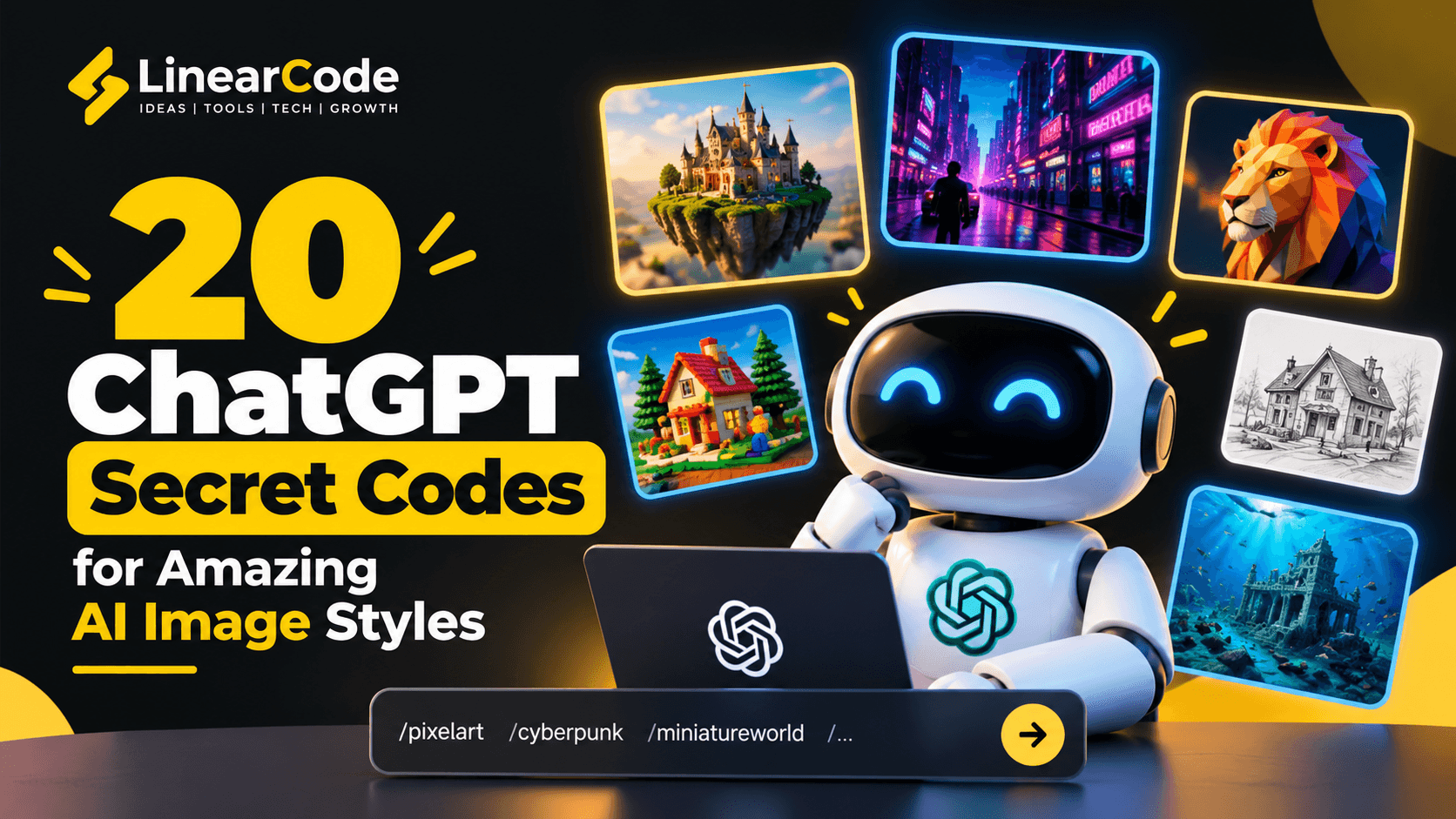
20 creative ChatGPT image prompts to explore different AI art styles.
Discover 20 creative ChatGPT image prompts for miniature worlds, LEGO-style scenes, pixel art, cyberpunk cities, blueprints, and more. Copy these examples and customize them to create unique AI visuals.
20 ChatGPT Secret Codes to Create Amazing AI Image Styles
What if you could transform an ordinary image into a miniature world, a LEGO-style scene, a neon cyberpunk city, or a detailed architectural blueprint simply by changing your prompt?
With the right instructions, ChatGPT can help you create imaginative images in a wide range of artistic styles. You don't always need complicated prompt engineering techniques. Sometimes, a short descriptive keyword can help communicate the visual effect you're looking for.
In this guide, we'll explore 20 ChatGPT image prompts and style keywords you can experiment with to create unique AI-generated visuals for social media, creative projects, presentations, and more.
You can try these prompts using ChatGPT. Depending on the image-generation tools and features available to you, results may vary.
Important: These are creative prompt keywords, not official ChatGPT slash commands. Type them as part of a natural-language image prompt rather than expecting them to activate a built-in feature automatically.
1. /tinyhumans — Turn Ordinary Objects into Giant Worlds
Imagine tiny people interacting with everyday objects that appear enormous. This style creates a playful sense of scale and works particularly well for imaginative scenes.
Example prompt:
Create a photorealistic miniature scene of tiny construction workers repairing an enormous coffee cup on a wooden table. Add realistic tools, dramatic lighting, intricate details, and a shallow depth of field.
Best for: Creative advertising, product photography concepts, and social media visuals.
2. /giantmode — Make Ordinary Objects Enormous
The opposite of a miniature scene, this concept makes everyday objects appear gigantic in familiar environments.
Example prompt:
Create a cinematic scene featuring a gigantic vintage alarm clock standing in the middle of a modern city street. Show tiny cars and people nearby to emphasize its enormous scale. Use realistic lighting and dramatic perspective.
Best for: Surreal artwork, promotional campaigns, and attention-grabbing thumbnails.
3. /miniatureworld — Create a Detailed Miniature World
Transform a regular environment into a tiny, intricately detailed world that resembles a model or miniature diorama.
Example prompt:
Create a detailed miniature village nestled inside a glass terrarium. Include tiny houses, winding roads, trees, people, and warm glowing windows. Use macro photography, realistic textures, and soft cinematic lighting.
Best for: Fantasy artwork, storytelling, illustrations, and creative backgrounds.
4. /postapocalypse — Create a Post-Apocalyptic Scene
This style imagines a world after a major disaster, with abandoned buildings, overgrown streets, atmospheric skies, and remnants of civilization.
Example prompt:
Create a cinematic post-apocalyptic city with abandoned skyscrapers, cracked roads, vegetation growing through concrete, and an overcast sky. Use realistic textures, atmospheric fog, and dramatic lighting.
Best for: Science-fiction concepts, game environments, storytelling, and film-inspired artwork.
5. /iceversion — Turn a Scene into an Icy World
Give a subject a frozen appearance with translucent ice, frost, snow, and cool blue lighting.
Example prompt:
Transform a modern sports car into an intricate sculpture made entirely of transparent ice. Add frosted edges, frozen reflections, delicate ice crystals, and a snowy landscape with cool blue lighting.
Best for: Seasonal campaigns, winter-themed artwork, and fantasy visuals.
6. /underwater — Take Your Scene Underwater
Create an underwater environment with floating particles, marine life, filtered sunlight, and atmospheric blue-green tones.
Example prompt:
Create an underwater version of a futuristic city with submerged skyscrapers, coral growing on buildings, schools of fish, and sunlight filtering through the water. Use cinematic composition and realistic underwater lighting.
Best for: Ocean-themed artwork, environmental storytelling, and imaginative concept art.
7. /candyversion — Turn Your Subject into a Candy World
Give a scene a colorful, sweet-inspired appearance using candy textures, glossy surfaces, and playful shapes.
Example prompt:
Transform a modern house into a colorful candy-inspired building made of chocolate walls, gummy decorations, candy-cane pillars, and a lollipop garden. Use vibrant colors, glossy textures, and whimsical lighting.
Best for: Children's content, playful branding, and imaginative illustrations.
8. /futureversion — Imagine the Future
Reimagine an existing environment with futuristic architecture, advanced transportation, intelligent technology, and modern design.
Example prompt:
Create a futuristic version of Mumbai in the year 2075, featuring sustainable skyscrapers, autonomous vehicles, elevated gardens, smart infrastructure, and clean energy systems. Use realistic architectural visualization and cinematic lighting.
Best for: Technology presentations, futuristic concepts, and innovation campaigns.
9. /legoify — Rebuild a Scene with LEGO Bricks
This style transforms a subject into a brick-built scene inspired by toy construction blocks.
Example prompt:
Recreate a modern technology office as a detailed LEGO-style model. Include brick-built desks, computers, miniature employees, glass meeting rooms, and colorful construction pieces. Use realistic plastic textures and studio lighting.
Best for: Playful social media posts, educational visuals, and creative concepts.
10. /papercraft — Turn Your Scene into Layered Paper Art
Papercraft visuals use layered paper shapes, cut-out details, shadows, and folded edges to create a handmade appearance.
Example prompt:
Create a layered papercraft illustration of a mountain village with houses, pine trees, clouds, and a winding river. Use carefully cut paper layers, visible paper textures, subtle shadows, and a limited color palette.
Best for: Editorial illustrations, posters, greeting cards, and creative blog graphics.
11. /pixelart — Create Retro Pixel Art
Pixel art uses visible square pixels and limited color palettes to recreate the look of classic video games.
Example prompt:
Create an 8-bit pixel-art scene of a futuristic city at night. Include glowing windows, pixelated flying cars, neon signs, and a starry sky. Use a retro video-game aesthetic with a carefully limited color palette.
Best for: Gaming content, nostalgic designs, icons, and digital illustrations.
12. /lowpoly — Create Low-Poly 3D Artwork
Low-poly art represents subjects using simplified geometric shapes and polygonal surfaces.
Example prompt:
Create a low-poly 3D illustration of a majestic lion standing on a rocky landscape. Use angular geometric shapes, clean polygonal surfaces, warm lighting, and a minimalist background.
Best for: Modern illustrations, game assets, technology graphics, and presentation visuals.
13. /clay — Transform Objects into Clay Sculptures
This style gives subjects a handmade clay appearance, with rounded forms, soft surfaces, and subtle sculpting details.
Example prompt:
Create a charming clay-style illustration of a small robot sitting at a desk and working on a laptop. Use rounded shapes, visible clay textures, soft shadows, warm lighting, and a friendly handcrafted appearance.
Best for: Educational content, mascots, explainer graphics, and playful branding.
14. /sketch — Convert a Scene into a Hand-Drawn Sketch
A sketch style uses pencil strokes, outlines, shading, and paper textures to create an illustration that looks hand-drawn.
Example prompt:
Transform a photograph of a modern city building into a detailed architectural pencil sketch. Preserve the building's proportions and perspective, with fine linework, cross-hatching, subtle shading, and textured white paper.
Best for: Concept development, architecture, design presentations, and editorial artwork.
15. /blueprint — Create a Technical Blueprint
Blueprint-style images use technical lines, construction details, annotations, and a contrasting background to represent an object as an engineering drawing.
Example prompt:
Create a technical blueprint of a modern electric car, showing its exterior, side view, and simplified internal components. Use precise white and cyan engineering lines on a deep blue background, with clean labels and a structured technical layout.
Best for: Engineering concepts, product development presentations, and technical content.
16. /wireframe — Visualize a 3D Object as a Wireframe
Wireframe visuals represent objects using lines that reveal their structure, geometry, and dimensions.
Example prompt:
Create a 3D wireframe visualization of a futuristic sports car. Show its aerodynamic body using thin luminous lines, visible geometric structures, a dark background, and a clean technical presentation style.
Best for: 3D design concepts, software and technology graphics, and digital art.
17. /neon — Add a Glowing Neon Aesthetic
Neon styling emphasizes luminous colors, glowing outlines, dark backgrounds, and dramatic nighttime atmospheres.
Example prompt:
Create a neon-lit futuristic city street at night, with glowing cyan and magenta signs, reflective wet roads, futuristic storefronts, and atmospheric fog. Use high contrast and cinematic composition.
Best for: Gaming graphics, music artwork, social media thumbnails, and technology promotions.
18. /cyberpunk — Create a Cyberpunk World
Cyberpunk imagery combines futuristic technology with dense urban environments, dramatic lighting, neon signage, and a gritty science-fiction atmosphere.
Example prompt:
Create a cinematic cyberpunk city at night, featuring towering skyscrapers, holographic advertisements, crowded streets, flying vehicles, and glowing neon signs. Use a moody atmosphere, detailed architecture, and strong cyan and magenta lighting.
Best for: Science-fiction artwork, game concepts, futuristic campaigns, and digital illustrations.
19. /isometric — Create an Isometric 3D Scene
Isometric artwork presents objects and environments using a consistent angled perspective, making it useful for showing layouts and systems clearly.
Example prompt:
Create an isometric 3D illustration of a modern software development office. Include workstations, meeting rooms, developers, computer screens, indoor plants, and collaborative spaces. Use clean geometry, balanced lighting, and a professional color palette.
Best for: Business presentations, website graphics, infographics, and product illustrations.
20. /aging — Show How a Subject Changes Over Time
An aging concept can illustrate how a person, building, object, or environment might change across different periods. For people, the result is an artistic approximation rather than a reliable prediction of someone's actual future appearance.
Example prompt:
Create a four-panel conceptual illustration showing the same fictional stone cottage when newly built, after 20 years, after 50 years, and after 100 years. Keep the architecture recognizable while progressively changing the materials, vegetation, weathering, and surrounding landscape.
Best for: Historical storytelling, product lifecycle concepts, architectural visualization, and educational illustrations.
How to Get Better Results from ChatGPT Image Prompts
Using a style keyword is only the starting point. You can often improve the output by specifying the subject, environment, composition, lighting, and intended use.
Use This Simple Prompt Formula
Subject + Style + Environment + Lighting + Composition + Details
For example, instead of writing:
Create a cyberpunk city.
Try:
Create a futuristic cyberpunk city at night with towering skyscrapers, glowing cyan and magenta signs, flying vehicles, and rain-soaked streets. Use cinematic lighting, detailed architecture, a wide-angle composition, and a high-contrast color palette.
The second prompt provides more direction and helps communicate the visual result you want.
Five Practical Tips
Describe the subject clearly. Explain what should appear in the image.
Specify the visual style. Use terms such as pixel art, clay sculpture, papercraft, or isometric 3D.
Control the colors and lighting. Mention the palette, time of day, shadows, or atmosphere.
Choose the right composition. Specify square social posts, portrait graphics, or landscape blog banners.
Refine the result. Ask for adjustments to the colors, background, subject placement, or level of detail.
You can also combine compatible styles. For example, an isometric scene with a low-poly aesthetic can create a clean geometric illustration, while a neon cyberpunk scene can benefit from a futuristic wireframe treatment.
Where Can You Try These ChatGPT Image Prompts?
Visit ChatGPT and describe the image you want to create. If image generation is available in your current experience, you can use these prompts as starting points and refine the results through follow-up instructions.
You can also experiment with different AI image-generation tools to compare their rendering styles and determine which best suits your project.
Remember that these keywords are descriptive instructions, not guaranteed shortcuts. The quality of the result depends on the full prompt, the model, and the available image-generation features.
Final Thoughts
AI image generation gives creators new ways to explore visual ideas without starting every design from scratch.
From miniature worlds and LEGO-inspired scenes to technical blueprints and neon cyberpunk environments, these 20 prompt styles offer a practical starting point for experimenting with creative AI.
Choose one style, customize the example, and refine the output until it fits your project. The best results often come from combining a clear subject with detailed visual instructions and a few thoughtful iterations.
Have questions about AI tools, automation, software development, or implementing AI in your business? Reach out to LinearCode at info@linearcode.in**.
Comments
Loading comments…
Related Articles

60 ChatGPT Image Prompt Styles to Create Better AI Images
Discover 60 reusable ChatGPT image prompt styles for creating cinematic, 3D, artistic, futuristic, technical, product, UI, and creative AI images.

10 Websites You Didn’t Know Existed — Useful, Fun & Surprisingly Powerful
Discover 10 interesting websites that can help you explore the world, find inspiration, create content, access free media, discover AI tools and make everyday work more interesting.

Top 10 Powerful ChatGPT Prompts for Students to Study Smarter and Score Higher
Discover 10 powerful ChatGPT prompts for students to summarize chapters, understand difficult topics, generate exam questions, create study notes, solve problems, build presentations, make flashcards, plan study sessions, practice tests, and explore career options.

20 AI Tools to Boost Creator Earnings in 2026
Discover 20 powerful AI tools for creators, marketers, and businesses. From writing and design to video editing, SEO, automation, and productivity, learn how AI can help you create content faster and grow your online presence.

20 Claude AI Prompts for Coding, Productivity, Business & Marketing
Discover 20 practical Claude AI prompts for coding, productivity, business, marketing, SEO, learning and research. Copy, customize and use these prompts to get more useful results from Claude.