10 AI Prompts That Are Breaking the Internet: Save These for Later
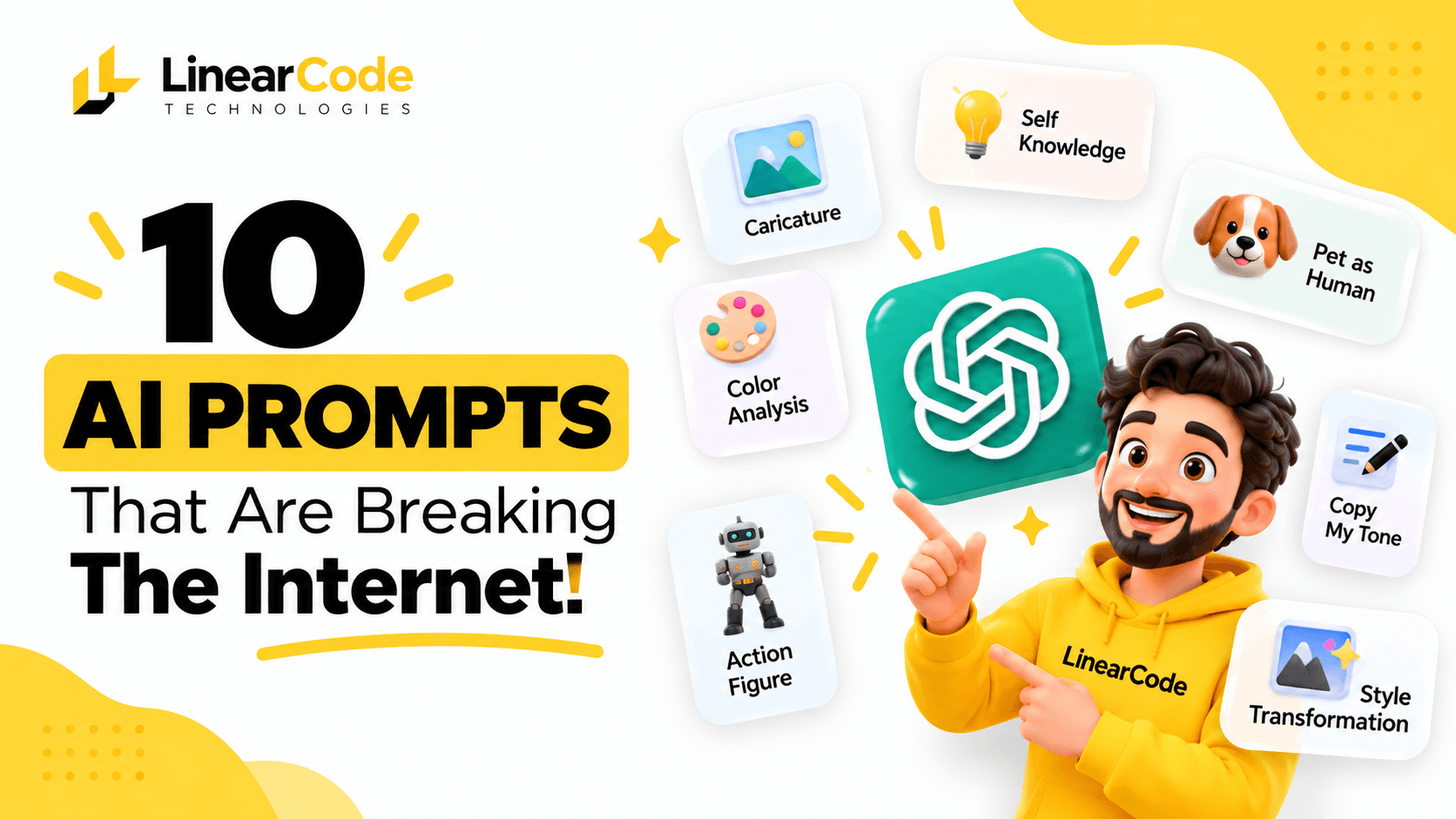
10 creative AI prompts to try in ChatGPT. Save, copy, and experiment with these ideas.
Discover 10 creative AI prompts that can help you create caricatures, turn pets into humans, generate action figures, analyse your writing style, challenge ideas, and transform photos. Copy these prompts and explore new ways to use ChatGPT.
10 AI Prompts That Are Breaking the Internet: Save These for Later
AI tools are becoming more than just assistants for answering questions. With the right prompts, you can create personalised images, explore your personality, get honest feedback, improve your writing, and even challenge your own ideas.
The best part? You don't need to be a technology expert to try these prompts. Just copy one, paste it into an AI tool such as ChatGPT, provide the necessary context or photo, and customise the result.
We've collected 10 creative AI prompts that are entertaining, useful, and worth saving. Whether you want to create a cartoon version of yourself or get a different perspective on a business idea, there's something here to try.
1. Create a Fun Caricature of Yourself
Ever wondered what you would look like as a cartoon character? This prompt can turn an ordinary photograph into a fun caricature that reflects your personality.
Copy this prompt:
Create a fun cartoon caricature of me based on this photo. Keep my recognisable facial features, hairstyle, and general appearance, but exaggerate a few features in a playful and creative way. Use a colourful digital illustration style with expressive details and a friendly personality.
How to use it:
Upload a clear photograph of yourself.
Paste the prompt into an AI image-generation tool.
Ask for a different cartoon style if you want more variations.
Try this variation: Ask for a professional caricature that represents your career, hobbies, and interests.
You can use the result as a social media profile picture, a fun post, or a personalised digital illustration.
2. Discover Your Strengths and Blind Spots
Sometimes, an outside perspective can help you recognise patterns in your behaviour, communication, and decision-making.
This prompt asks AI to analyse information you've shared and identify possible strengths and areas for improvement.
Copy this prompt:
Based on the information and conversations available to you, analyse my personality, communication style, interests, strengths, weaknesses, and potential blind spots. Give me an honest and balanced assessment. Highlight patterns I may not have noticed, explain where I could improve, and suggest five practical actions for personal growth. Distinguish between observations supported by our conversations and assumptions you cannot verify.
How to use it:
Use it in a conversation where you've shared relevant information.
Ask follow-up questions about specific observations.
Request examples to understand why AI reached a particular conclusion.
Important: AI does not automatically know everything about you. Its analysis depends on the information and conversation history available to it. Treat the result as a reflection exercise, not a psychological assessment or a definitive description of your personality.
3. Get a Funny and Brutal AI Roast
Want AI to make fun of your habits, interests, or communication style? This prompt is designed for a humorous roast.
Copy this prompt:
Roast me based on the information and conversation history available to you. Be honest, creative, and funny. Point out my unusual habits, recurring questions, funny contradictions, and common patterns. Make it entertaining without being genuinely cruel or targeting sensitive personal issues. Give me your five funniest observations.
How to use it:
Try it in a conversation with enough background information.
Ask for a friendly roast or a more sarcastic version.
Request a short version suitable for sharing with friends.
Try this variation: Ask AI to roast your work habits, productivity routine, shopping decisions, or social media behaviour.
Remember, the objective is entertainment. Don't take an AI-generated roast as an accurate judgement of your character.
4. Turn Your Pet Into a Human
Imagine seeing your dog or cat as a human character. This creative image prompt can turn your pet's appearance and personality into a human-inspired portrait.
Copy this prompt:
Turn my pet into a realistic human character inspired by its appearance and personality. Use the uploaded photo as the primary reference. Translate its fur colours, eye expression, distinctive features, and overall personality into human characteristics, hairstyle, clothing, and facial expression. Create a realistic portrait with natural lighting and detailed textures. Make the result imaginative but visually coherent.
How to use it:
Upload a clear photo of your pet.
Include the prompt.
Add details about your pet's personality, such as playful, lazy, curious, or energetic.
Ask for a realistic photograph or a 3D character version.
Try this variation: Ask AI to create your pet as a professional, superhero, traveller, or movie character.
This is a fun way to create personalised content for Instagram, Facebook, or other social platforms.
5. Create Your Own 3D Action Figure
What if you were a collectible action figure displayed inside a premium toy box?
This prompt turns your photograph into a personalised action figure concept, complete with accessories and packaging.
Copy this prompt:
Turn me into a premium 3D collectible action figure displayed inside a transparent toy box. Use my uploaded photograph as the reference for my appearance. Include my name, profession, hobbies, and three to five accessories that represent my interests. Design the packaging with modern typography, attractive colours, realistic plastic materials, and professional product photography lighting. Make it look like a real collectible toy available in a store.
How to use it:
Upload your photograph.
Add your name and profession.
Mention your hobbies and interests.
Request a particular packaging theme or colour combination.
Example: A software developer's action figure could include a laptop, headphones, smartphone, coffee mug, and coding accessories.
You can also create versions for friends, colleagues, family members, or fictional characters.
6. Find Your Best Clothing Colours With AI
Choosing colours that complement your appearance can make putting together outfits easier. This prompt asks AI to provide a visual colour analysis based on a photograph.
Copy this prompt:
Analyse the uploaded photograph and provide a clothing colour analysis. Identify my apparent skin undertone, considering the lighting and image quality. Suggest clothing colours that may complement my appearance, along with colours I may want to experiment with less. Create a practical colour palette with colour names and approximate HEX codes. Also suggest suitable combinations for casual wear, professional outfits, and special occasions. Explain any uncertainty in the analysis.
How to use it:
Upload a clear, front-facing photograph.
Prefer natural daylight and avoid heavy filters.
Ask for a colour palette with visual examples.
Request outfit combinations using the suggested colours.
Try this variation: Ask AI to create a capsule wardrobe with 10 clothing items that can be mixed and matched.
A useful reminder: Lighting, camera settings, and image processing can affect colour analysis. Use the recommendations as style inspiration rather than a definitive colour assessment.
7. Challenge Your Ideas With a Devil's Advocate
Having a good idea is one thing. Understanding why it might fail is equally important.
This prompt asks AI to take the opposite position and identify weaknesses in your thinking. It can be particularly useful for business owners, entrepreneurs, developers, and people making important decisions.
Copy this prompt:
Act as a devil's advocate. I will share an idea, plan, or opinion. Take the opposite position and identify the strongest arguments against it. Highlight potential risks, hidden assumptions, practical challenges, and reasons it might fail. Support your criticism with logical reasoning and realistic examples. After presenting the counterarguments, suggest ways I could improve the original idea.
How to use it:
Share your business idea, project plan, or decision.
Paste the prompt.
Review the objections.
Ask AI which risks are most important to address.
Example: If you're planning to launch a software product, AI could challenge your pricing, target audience, competition, marketing strategy, and product-market fit.
This prompt is useful because it encourages critical thinking instead of simply asking AI to agree with you.
8. Make AI Understand Your Writing Style
Do you want AI to help write emails, social media posts, or articles without making everything sound generic?
This prompt asks AI to study your writing samples and identify your communication style.
Copy this prompt:
Analyse the writing samples I provide. Identify my writing style, tone, sentence structure, vocabulary, paragraph length, and communication habits. Explain what makes my writing distinctive and provide a practical style guide. Then rewrite a sample of text using my natural writing style while preserving its original meaning. Avoid making it sound unnecessarily formal, robotic, or generic.
How to use it:
Share three to five examples of your writing.
Include different types of content if possible, such as emails, posts, and messages.
Ask AI to prepare a short writing-style guide.
Use the guide when creating future content.
Try this variation: Ask AI to write a LinkedIn post, business email, or customer follow-up message using your preferred tone.
This can help maintain a consistent voice across your communication and content.
9. Use the Clarification Loop for Better Answers
One of the biggest problems with AI prompts is that people sometimes provide incomplete instructions.
Instead of making assumptions, this prompt tells AI to ask questions before preparing its final answer.
Copy this prompt:
Before answering my request, ask me focused clarifying questions to understand my actual goal, requirements, audience, constraints, and expected outcome. Ask one question at a time. Continue until you have enough information to provide a useful and accurate response. If something is unclear or important information is missing, do not make assumptions. Once you understand the request, summarise your understanding briefly and then provide the final answer.
How to use it:
Paste the prompt before explaining a complex task.
Answer the questions one by one.
Correct any misunderstandings before asking for the final output.
Example: Suppose you want AI to create a marketing strategy. It could first ask about your business, target audience, budget, services, and marketing goals.
This approach is especially helpful for project planning, business strategies, software requirements, and content creation.
10. Transform Your Photos Into Different Art Styles
A single photograph can become the starting point for several creative interpretations. You can experiment with anime, cinematic photography, illustrations, and other visual styles.
Copy this prompt:
Transform the uploaded photograph into multiple creative visual styles while keeping the main subject recognisable. Create variations in anime, cinematic photography, 3D animation, watercolour illustration, and modern digital art. Maintain the important features and composition of the original image where possible. Make each version visually distinct, with appropriate lighting, colours, and artistic details.
How to use it:
Upload your photograph.
Paste the prompt.
Ask for one style at a time if you want more control.
Compare the variations and refine your favourite.
Try this variation: Ask for a cinematic movie-poster version, a retro illustration, or a premium editorial portrait.
You can use the results for creative projects, social media content, profile pictures, or design inspiration.
How to Get Better Results From AI Prompts
Copying a prompt is a good starting point, but the quality of the output also depends on the context and instructions you provide.
Here are five practical ways to improve your results.
1. Provide the Right Context
Don't expect AI to understand information you haven't shared. Include relevant details about your goal, audience, preferences, or project.
2. Upload Reference Images When Needed
For image-based tasks, provide a clear photograph or visual reference. Explain what AI should focus on and what should remain unchanged.
3. Be Specific About the Output
Tell AI whether you want a short answer, detailed analysis, image, table, social media post, or step-by-step guide.
4. Refine the First Result
Your first response doesn't have to be perfect. Give follow-up instructions such as:
Make it more professional.
Use simpler language.
Change the visual style.
Add more practical examples.
Keep the original meaning but improve the presentation.
5. Review AI-Generated Results
AI can misunderstand instructions, make incorrect assumptions, or produce visual details that need correction. Review important information, check image details, and make necessary changes before using or publishing the output.
For more guidance, explore OpenAI's official resources on prompt engineering and creating images with ChatGPT.
Final Thoughts
AI prompts can help you do much more than write emails or answer everyday questions. They can turn your photographs into creative artwork, help you reflect on your habits, challenge your business ideas, and make your content more personal.
The 10 prompts in this article are a starting point. Experiment with them, adjust the instructions, and discover which ones are most useful for your everyday work and creativity.
Save this article so you can try these prompts later, and share it with someone who loves experimenting with AI.
Have questions about AI tools, automation, software development, or implementing AI in your business? Reach out to LinearCode at info@linearcode.in or visit LinearCode Technologies.
Comments
Loading comments…